Explore the UI/UX Journey towards designing the prototype
The best solution for transcribing virtual meetings
DevPost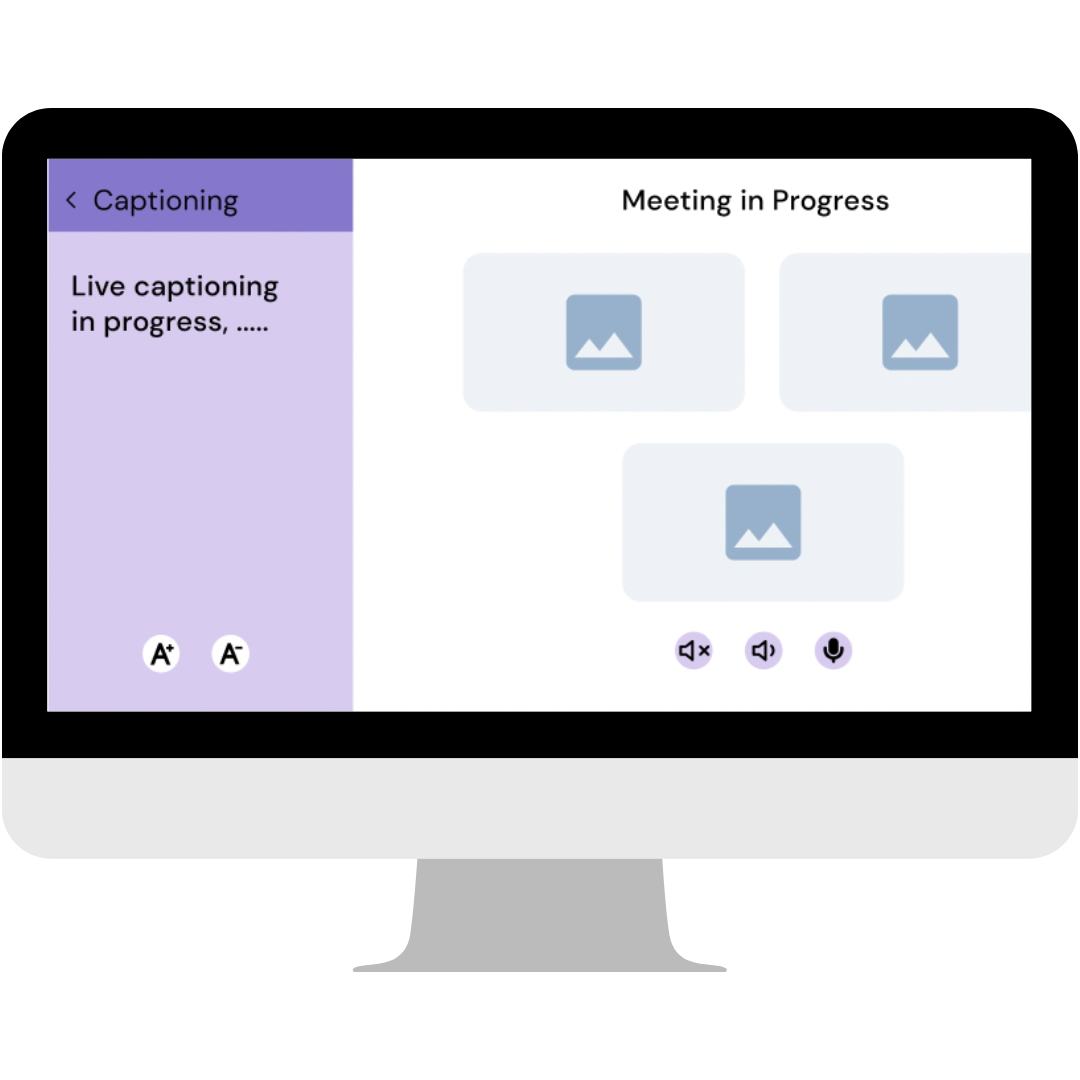
Explore the UI/UX Journey towards designing the prototype
About
Our product offers real-time audio transcription, specifically designed for individuals who are hard of hearing, enabling them to actively participate in virtual meetings without any communication barriers.
It serves as an accessible solution, mitigating the obstacles faced by individuals with hearing loss by providing comprehensive support and empowering their active engagement in various contexts.
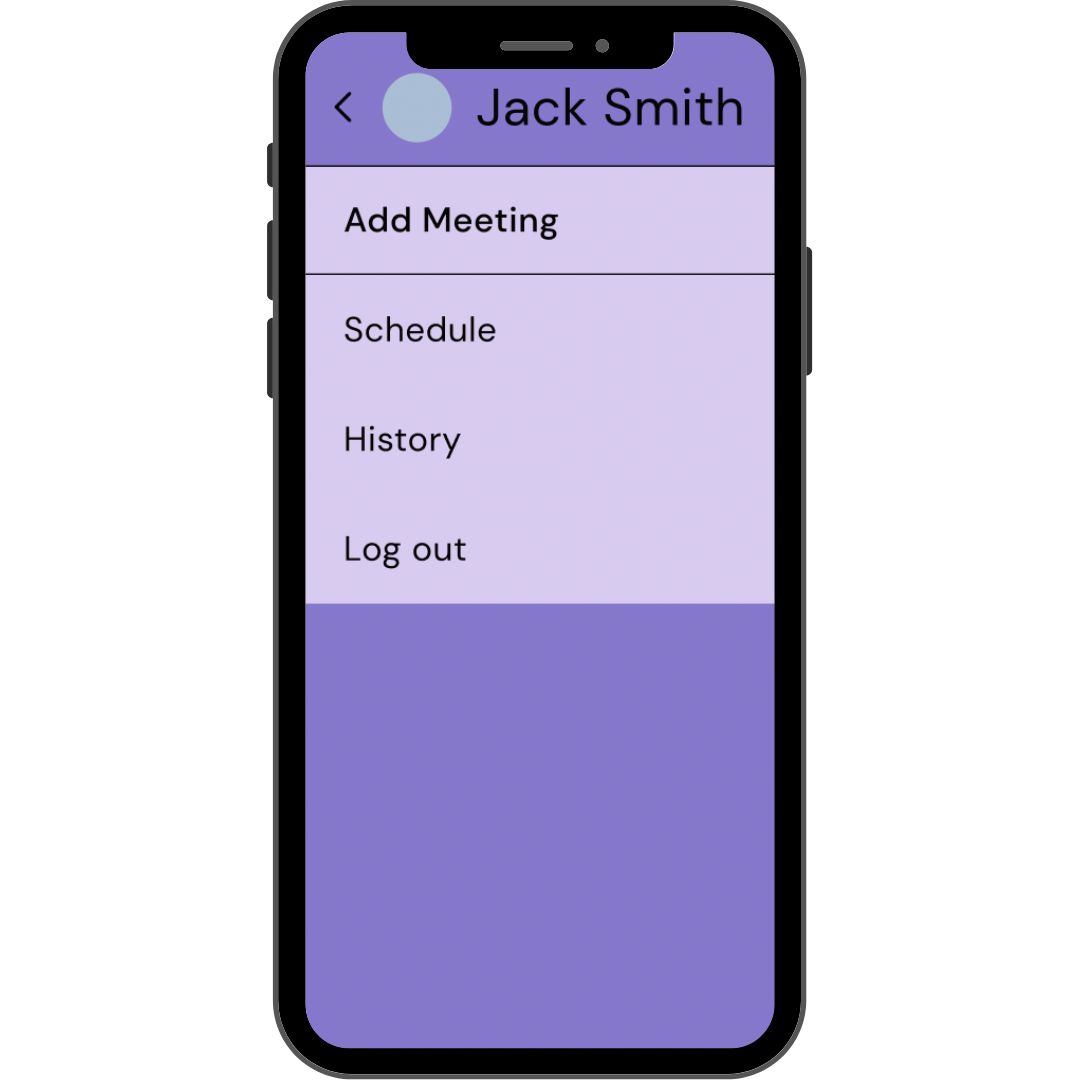
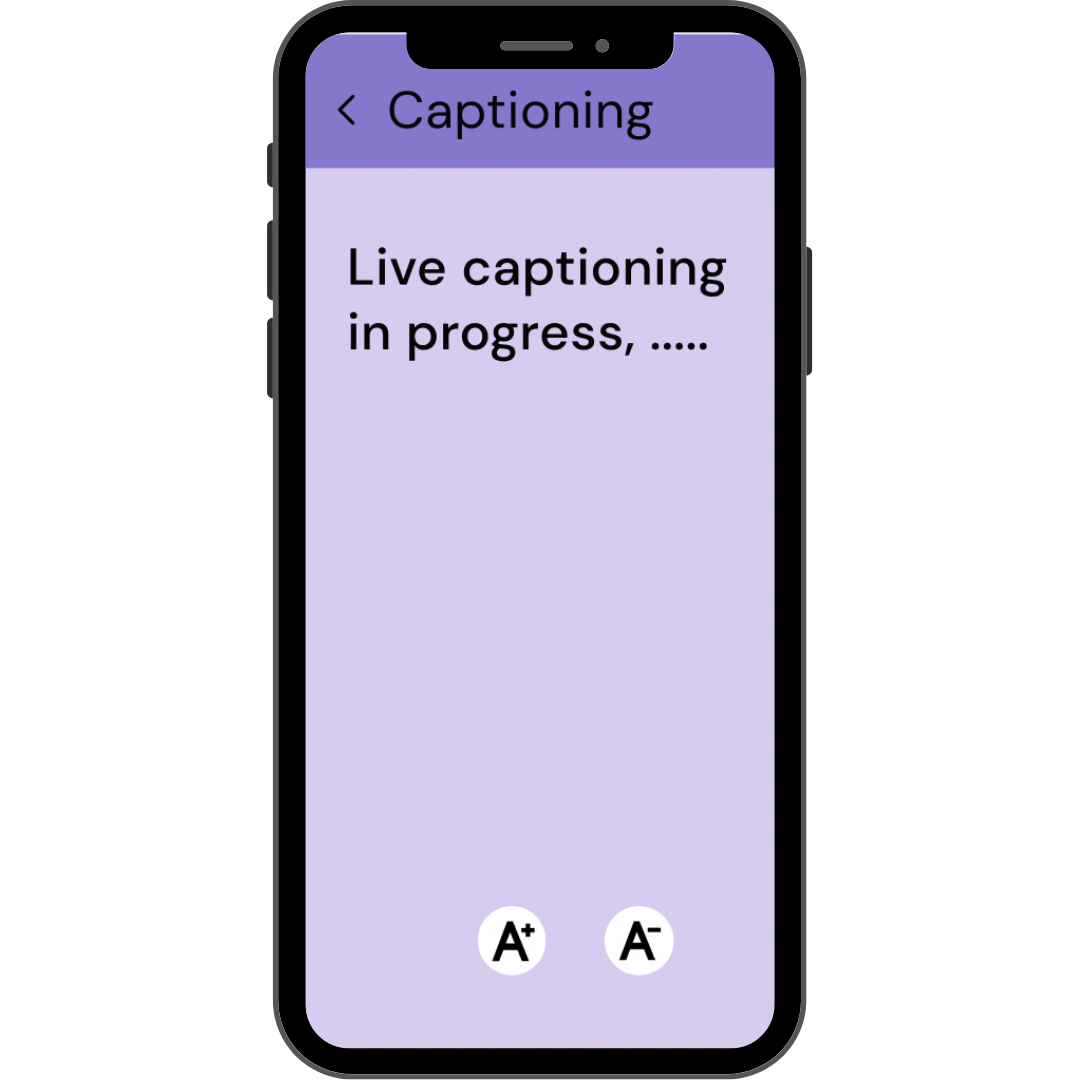
Design it to be straightforward and accessible, with clearly labeled action buttons for joining meetings and visible captions for individuals with hearing impairments.
First Step
A mobile app that offers real-time captioning of phone calls through live stenographers and automated speech recognition software.
Learn more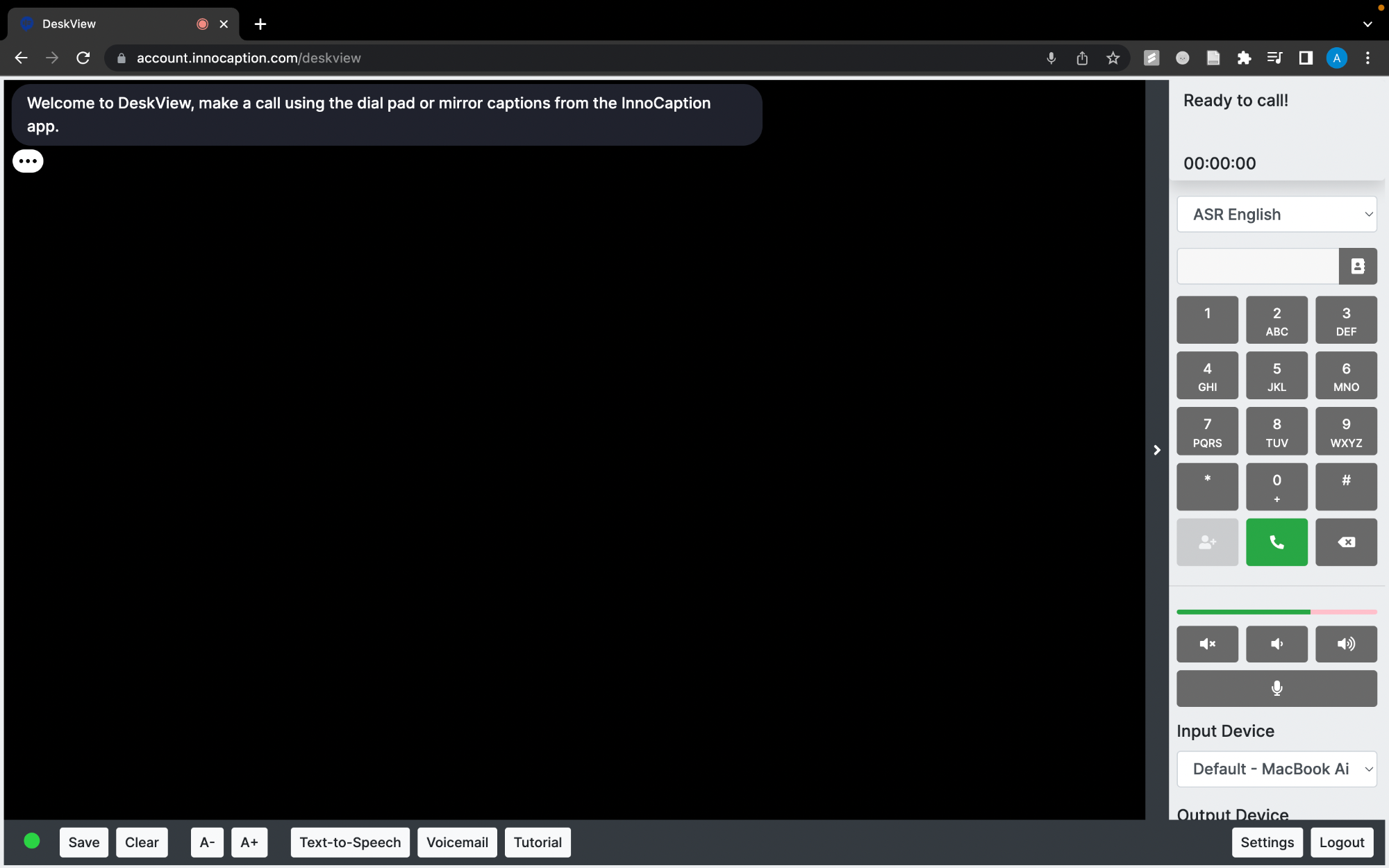
Enhance the accessibility of conference calls with the website—enabling instant captions and ensuring accuracy through real-time corrections facilitated by a dedicated Scribe.
Learn more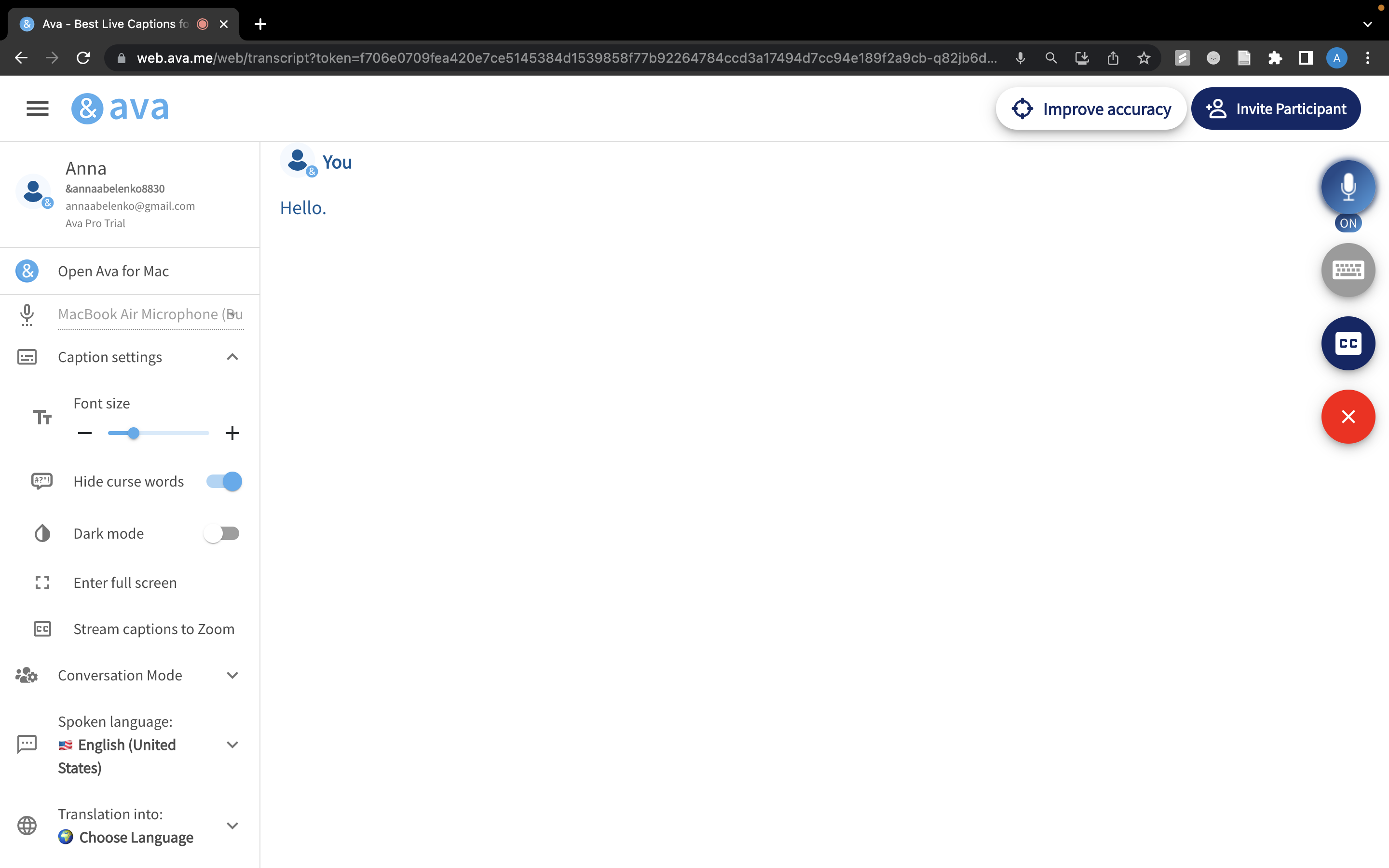
Second Step
Pain Points
Frustrations and Goals
"Struggling in online school because of my hearing loss has been tough, and I'm trying to find a product that works best for me"

Maya Patel
Student
"I want to be able to connect with my clients virtually, and review their financial information without concern for their privacy"

John Smith
Accountant
Next Step
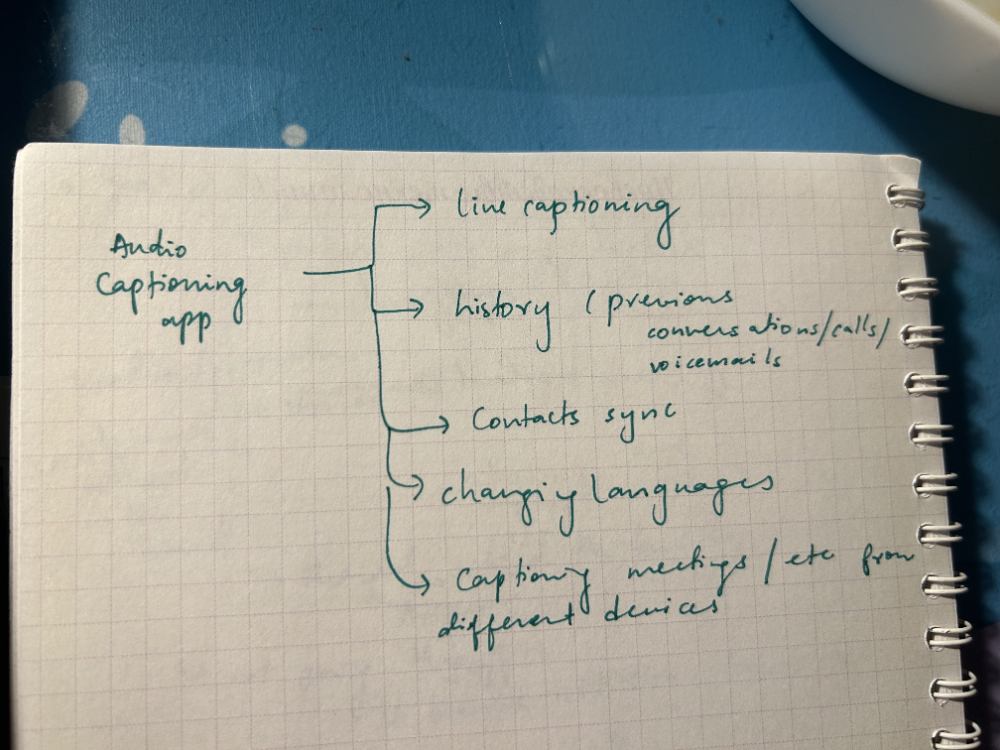
During the brainstorming process, considerations for an audio captioning product include exploring options for a website or app, identifying features to enhance user experience and accessibility, and ensuring robust data privacy measures are in place.
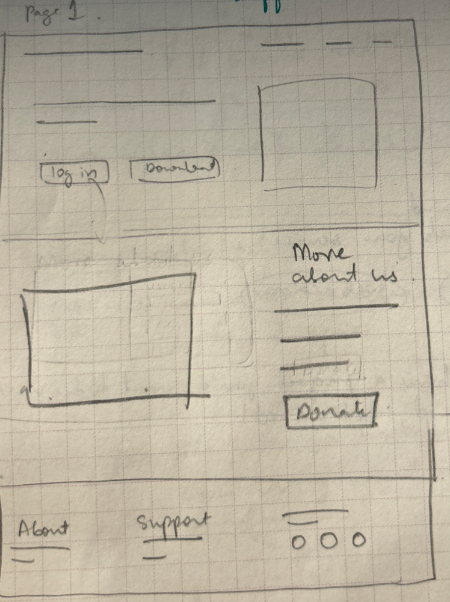
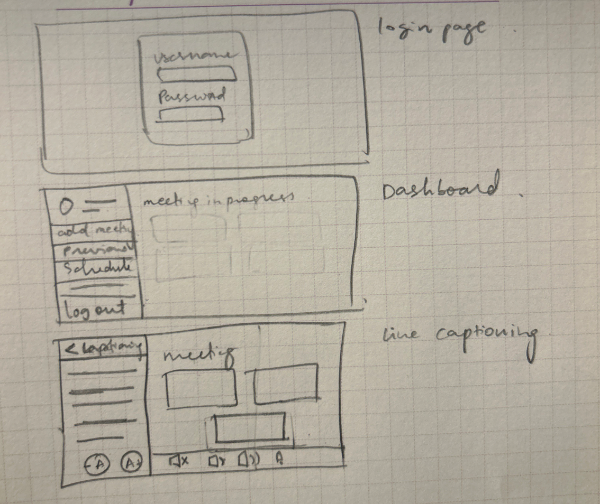
By implementing an effective information hierarchy, we strike a balance between simplicity and sophistication, ensuring seamless user experience and effortless comprehension while navigating through the website's content.
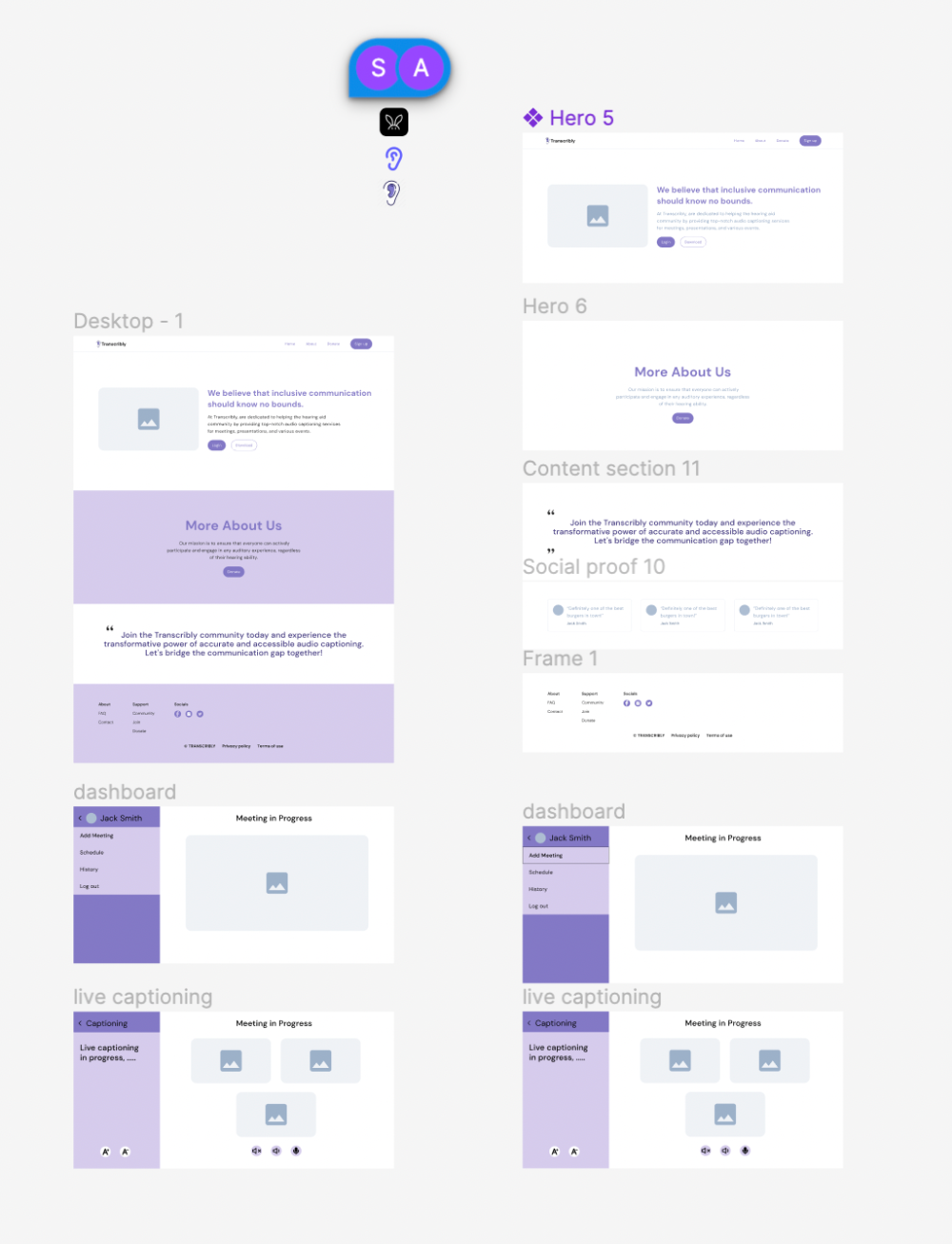
The paper wireframes are subsequently transformed into a high-fidelity prototype, encompassing a product-focused home page that provides comprehensive information, coupled with an intuitive dashboard seamlessly guiding users to the live captioning site for virtual meetings. It can be viewed here.
Takeaways
Anna: I learned that Figma has tons of plugins, including one where you can convert the design into html code. I also learned that domain names are tricky. Having a backup plan is also important since our original plan didn't work out, but we still pulled through!
Asiyah: It was my first time using Figma and I learned what a useful developer tool it is! I spent alot of time learning about Microsoft Azure and though we didn't end up using it, it was insightful.
Shreya: I explored the developer mode in Figma as i'm already aware with designing, which was quite fun. I also learned about hosting website on a domain!
To improve the project further, we will need to conduct another usability test to further solidify that our users needs have been met, and continue developing the site to make it more accessible.